Living on a fixed income in Canada isn't just about budgeting; it is about survival. Inflation and rising medical costs force too many seniors to choose between heating their homes and securing their personal safety. This is a choice you should never have to make.
The Guaranteed Income Supplement (GIS) is not a gift; it is a critical financial lifeline designed to bridge the gap for low-income seniors already receiving the Old Age Security (OAS) pension. Unlike OAS, which is broadly distributed, GIS is strictly for those who need it most.
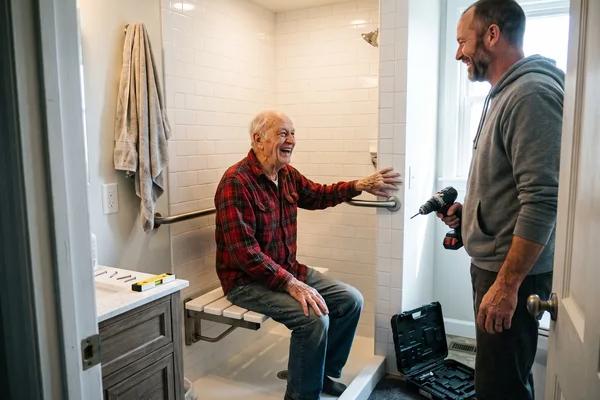
Accessing these funds is often the difference between struggling in isolation and affording the tools necessary to age in place safely, such as reliable home monitoring and GPS medical alert systems.
Key Takeaways
- It is Tax-Free: The GIS is a non-taxable monthly benefit for low-income OAS recipients.
- Income Tested: Eligibility relies strictly on your annual income (or combined income for couples) and Canadian residency.
- Strict Deadlines: You must file your taxes by April 30 annually to prevent your payments from being cut off.
- Retroactive Pay: If you delayed applying, Service Canada may issue up to 11 months of back payments.
- Safety First: Many seniors use these supplemental funds to pay for essential health monitoring services like Holo Alert.
What is the Guaranteed Income Supplement (GIS)?
The GIS is a monthly, non-taxable benefit provided by the federal government to seniors living in Canada with low income. It is inextricably linked to the Old Age Security (OAS) pension. You cannot receive the GIS unless you are also eligible for—and receiving—the OAS.
The government designed this program for seniors with little income beyond their basic pension. It supports singles, widows, and couples. However, the application process can feel bureaucratic and cold. Navigating Service Canada forms is tedious, but securing this income is vital for your long-term independence.
The Holo Alert Difference: While the government focuses on financial thresholds, we focus on what that money buys you: peace of mind. Securing your GIS can free up the monthly budget needed to invest in a medical alert system. We believe no senior should have to rely solely on a phone call during an emergency. Financial security allows you to protect your physical safety.
Eligibility Criteria for 2026
To qualify, you must be 65 or older, a resident of Canada, and currently receiving OAS. The deciding factor is your net income. Service Canada assesses your earnings (or combined earnings with a spouse/common-law partner) to determine eligibility.
The income thresholds for the January to March 2026 payment quarter are specific. If you earn above these amounts, you will not qualify. Below is the breakdown of the maximum annual income allowed to remain eligible:
| Marital Status / Situation | Maximum Annual Income Threshold (2026) |
|---|---|
| Single, Widowed, or Divorced | Below $22,488 |
| Couple (both receiving OAS) | Combined below $29,712 |
| Couple (one receiving GIS) | Combined below $41,616 |
| Couple (spouse receives Allowance) | Combined below $53,904 |
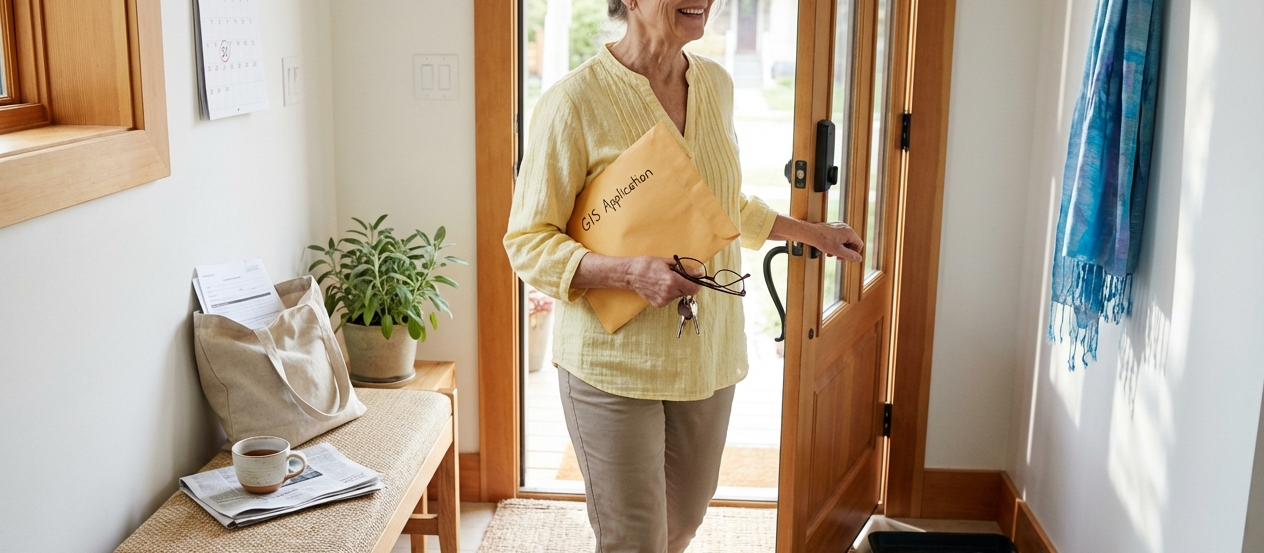
Note on Applying Online: To use the digital application, you must be one month past your 64th birthday and cannot have a legal representative applying for you. If you fall outside these technical boundaries, you are forced to use the paper method.
Documents You Need Before You Start
Do not start the application until you have your documentation ready. A missing document can delay your payments by months.
You need your Social Insurance Number (SIN), date of birth, and a detailed history of all countries you have resided in since age 18 to prove residency. You must also provide proof of income (CPP/QPP, private pensions, RRSPs, and investments) and banking information for direct deposit. If you are married, you need your spouse's SIN and proof of marriage or common-law union.
Why Waiting is Risky: Gathering documents is a hassle, but a fall can happen in a split second. While you wait for government bureaucracy to process your paperwork, ensure your home is already safe. Holo Alert requires zero complicated paperwork to set up. Don't gamble with your safety while waiting for funding.
How to Apply: Step-by-Step
There are three ways to submit your application. Choose the one that ensures the fastest processing for your situation.
Option 1: Applying Online (Fastest)
Use the My Service Canada Account (MSCA). This is the most secure method. You must complete the application in one sitting; the system does not allow you to save and return. This creates pressure to be prepared, but it cuts down mailing times.
Option 2: Applying by Mail
If you are not tech-savvy, paper is your only option. Not yet receiving OAS? Complete form ISP-3550. Already receiving OAS? Complete form ISP-3025.
You must include certified true copies of your documents. Mail this to the nearest Service Canada office in your province.
Option 3: In-Person
You can visit a Service Canada Centre. Staff can certify your documents for free, which saves you the cost and effort of finding a professional to do it. Bring your original documents.
Processing Times and Retroactive Payments
Once submitted, Service Canada reviews your residency and income data. They will mail you a decision letter stating your monthly amount and start date. If you were eligible previously but failed to apply, you may receive a lump-sum retroactive payment for up to 11 months.
The Holo Alert Difference: A retroactive cheque can be a significant sum. Smart seniors use this "found money" to pay for an entire year of Holo Alert monitoring upfront. It is the best way to convert a government benefit into a guarantee of fall detection safety.
Reporting Changes and Reassessments
Your GIS is not guaranteed forever. It is recalculated every July based on your tax return. You must file your taxes by April 30 every year. If you miss this deadline, your payments will stop.
You are also obligated to report changes in marital status (separation, divorce, death of a spouse) or address immediately. An increase in income—such as cashing out an RRSP—can reduce your GIS payments the following year.
Protect yourself from the unexpected. Secure your Holo Alert system now.
What to Do If Your Application is Denied
A denial letter is not the end. You have the right to request a reconsideration. You must submit a written request with your SIN and new evidence (such as updated income or residency proof) to Service Canada. If that review fails, you can appeal to the Social Security Tribunal.
Do not let a rejection discourage you. This is money you have contributed to through a lifetime of work and taxes. Fight for the support you are owed.
Other Financial Benefits for Seniors
The GIS is just one pillar of support. You should also investigate the Allowance (for spouses aged 60-64 of GIS recipients) and the Allowance for the Survivor. Furthermore, look into provincial programs. For example, initiatives like the Age Well at Home Initiative provide resources specifically to help you stay in your own home rather than moving to a facility.
Combining these financial aids maximizes your ability to afford the best care and safety technology available.
Frequently Asked Questions
How do I apply for GIS in Canada if I already receive OAS?
Log into your My Service Canada Account to apply online, or mail form ISP-3025 to your regional Service Canada office. If your income is low, do not wait for the government to contact you—apply immediately.
What documents are required to apply for GIS in Canada?
You need your SIN, date of birth, banking details, and a list of all addresses where you have lived since age 18. If married, you need your spouse's SIN and proof of legal union.
Can I apply for GIS in Canada online and how long does it take to get paid?
Yes, you can apply online via your MSCA account. Processing times vary, but approval grants you monthly payments and potentially up to 11 months of retroactive pay.
Who is eligible to apply for GIS in Canada if I am not a Canadian citizen?
Legal residents who meet the OAS residency requirements (typically 10 years of residence in Canada after age 18) may qualify, provided they are 65+ and meet the income thresholds.
How will my spouse's income affect my GIS payments?
GIS is family-income tested. Your spouse's income is added to yours. If your combined income exceeds the 2026 threshold (e.g., $29,712 for two pensioners), you will not qualify.
What should I do if my application for GIS in Canada is denied?
Write to Service Canada immediately to request a reconsideration. Include your SIN and any new documentation that proves your income or residency status.
Secure Your Financial and Physical Safety Today
Financial stability is the foundation of your independence. The Guaranteed Income Supplement provides the funds, but it is up to you to use them wisely. Do not let financial stress compromise your safety at home. By securing your GIS, you ensure you have the resources to afford essential protective measures.
Falls and medical emergencies are the single biggest threat to your ability to live alone. Use your benefits to invest in the best protection Canada has to offer. Holo Alert is here to ensure that while you enjoy your retirement, you are never truly alone in an emergency.